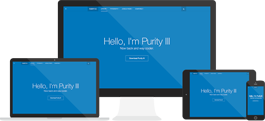







A template is a type of Joomla! extension that changes the way your site looks.
There are two types of templates used by the Joomla! CMS: Front-end Templates and Back-end Templates. The Front-end Template controls the way your website is presented to the user viewing the website's content. The Back-end Template controls the way your website's administrative tasks are presented for controlling management functions by a Joomla! Administrator. These would include common tasks such as: user, menu, article, category, module, component, plugin and template management.
Reference: http://docs.joomla.org/Glossary