
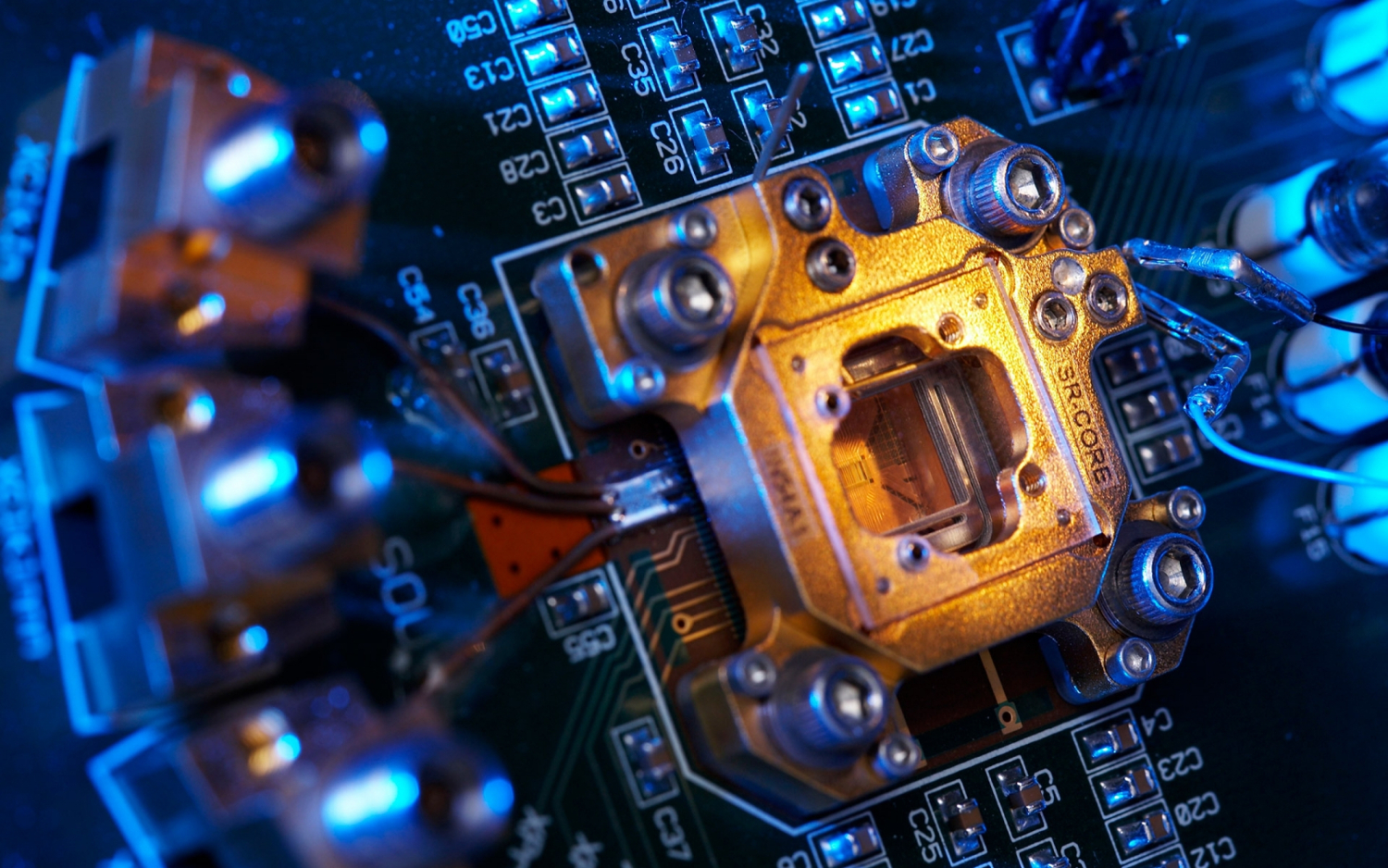


Mother_board
01. Hardware selection
Every slide includes a background, which can be a picture or solid color.
Step 1

To change the background click on the label bar and in the layer window select the style tab.

Step 2

Choose a source from the background top tab then upload an image or pick a background color.

previous arrowprevious arrow
next arrownext arrow
Mother_board
CPU
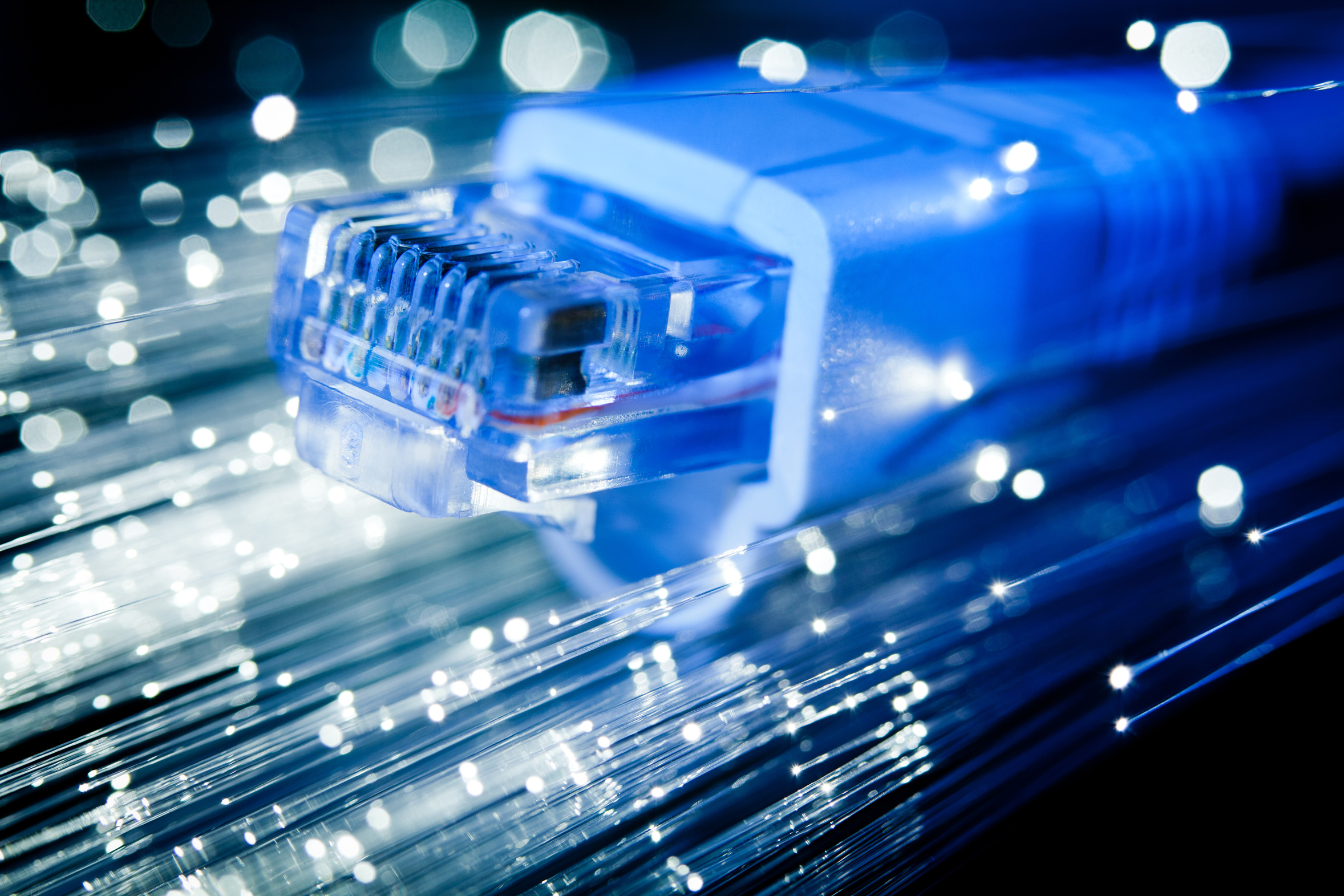
Fibre cable
Fibre cable
previous arrow
next arrow
Shadow
Advanced Search

Here are a few examples of how you can use the search feature:

Entering this and that into the search form will return results containing both "this" and "that".

Entering this not that into the search form will return results containing "this" and not "that".

Entering this or that into the search form will return results containing either "this" or "that".

Search results can also be filtered using a variety of criteria. Select one or more filters below to get started.
